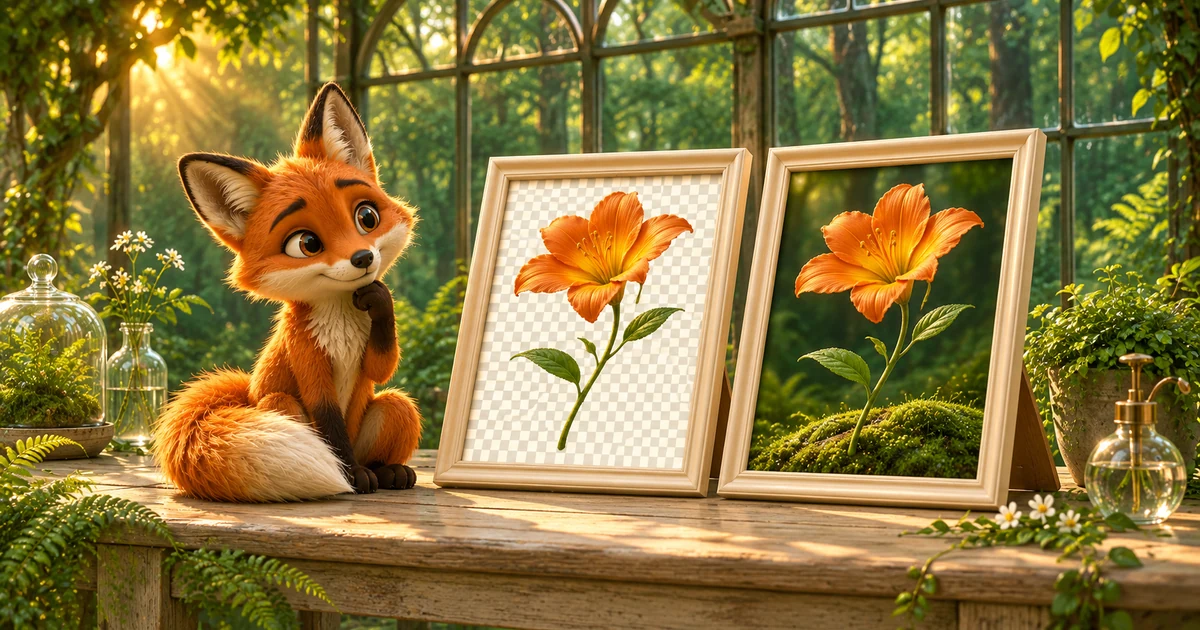
A PNG screenshot and a JPEG photograph can both look excellent. The useful question is what each file needs to preserve—not which format is universally better.
Keep PNG for transparency and exact edges
PNG is a natural option for artwork that needs an alpha channel. In PikoZip, lossless PNG mode keeps the decoded color data without a lossy palette step. Balanced PNG allows subtle color changes and preserves transparency; Lossless remains available for decoded pixel preservation. The optional 256-color mode can be smaller, but may visibly change gradients and small lettering.
Consider JPEG for photographs
JPEG uses lossy compression and can be a practical output for photographic content. Start at a balanced quality setting, check textures and fine edges, and adjust for the actual display size. It does not preserve transparency; this tool fills transparent regions with white.
A conversion is not a quality upgrade
Turning a JPEG into PNG does not restore details lost in the JPEG. Turning a transparent logo into JPEG may create the wrong background. Keep your best source file and make delivery copies for the formats you need.
A repeatable decision
Export one representative image in each candidate format. Keep dimensions constant, compare file sizes, and inspect at the size your audience will see. Save your chosen settings as a production note for the rest of the batch.
Put the guide into practice.
Start with one representative image, inspect the result, then prepare the rest of the batch.
Open the compressor