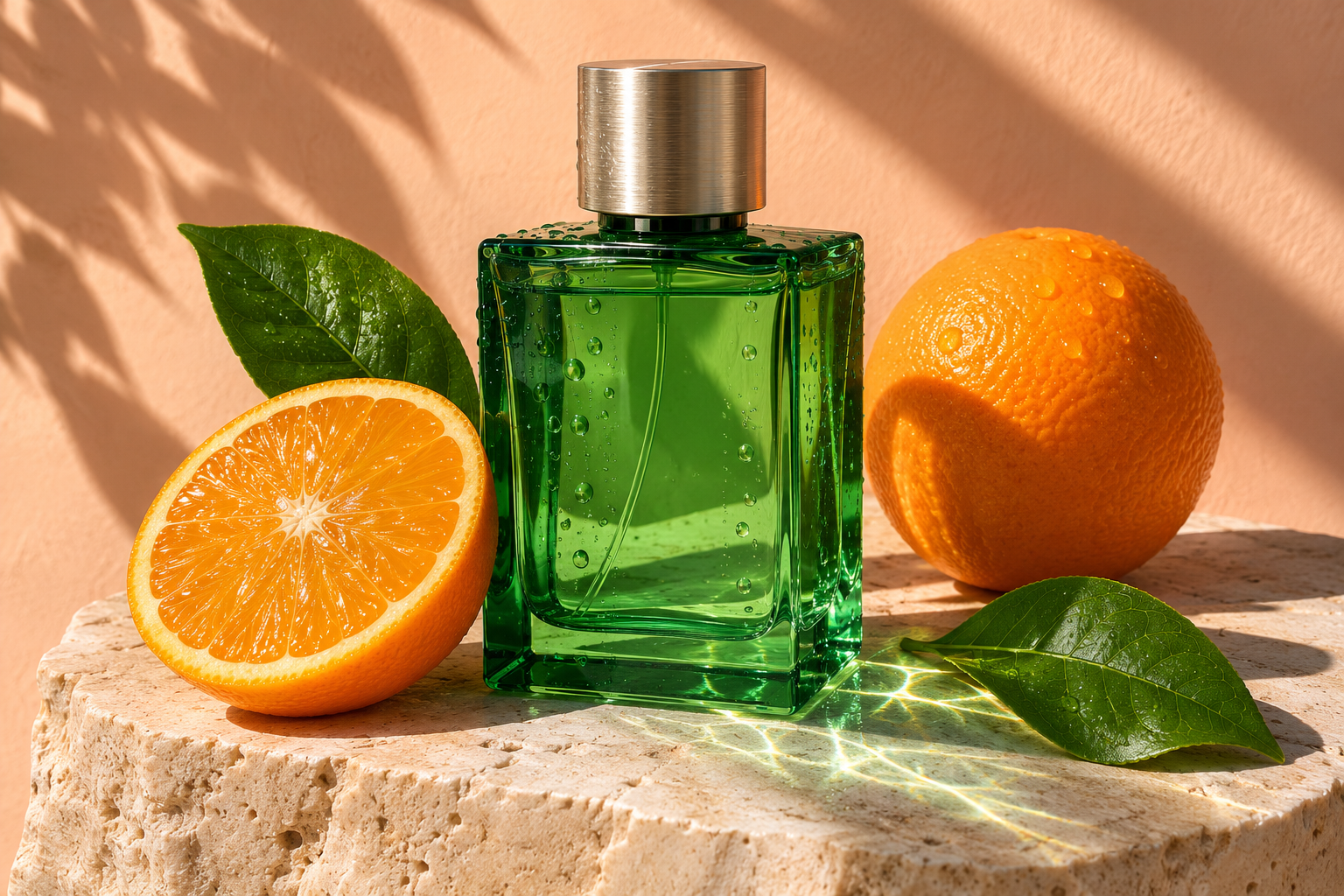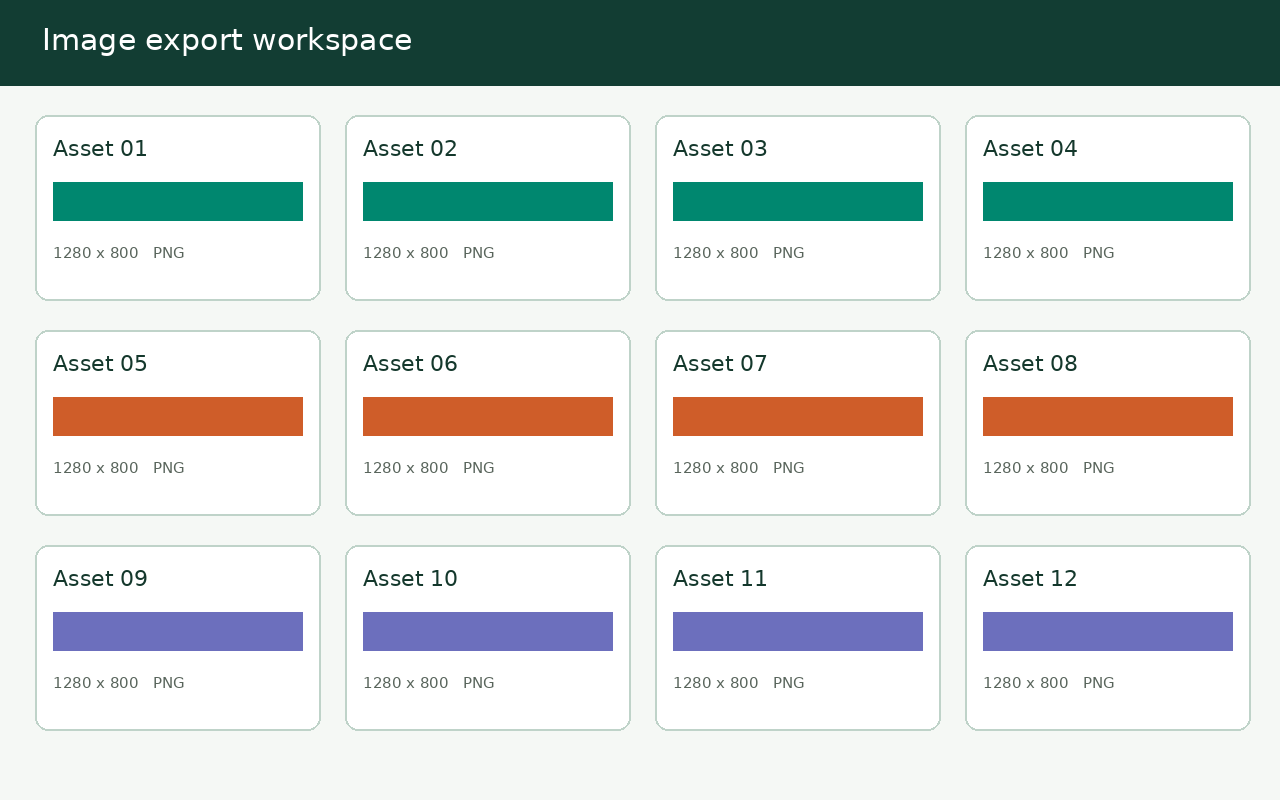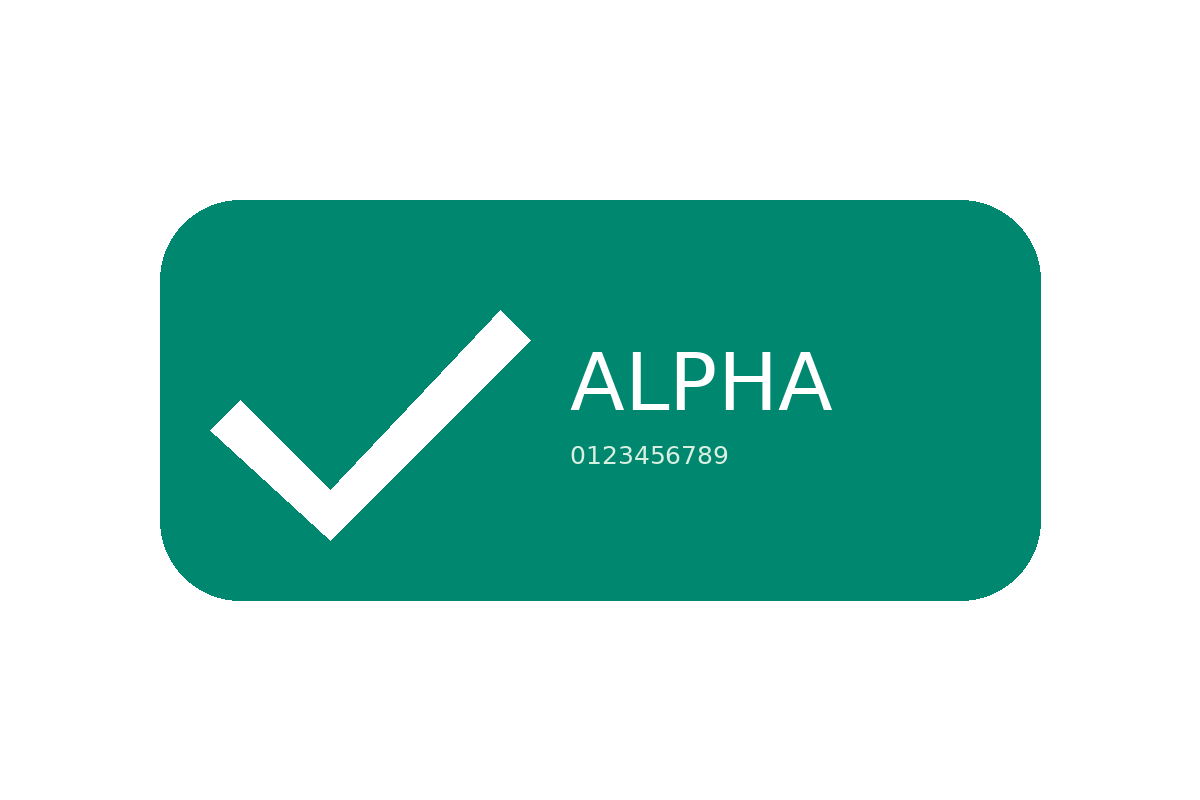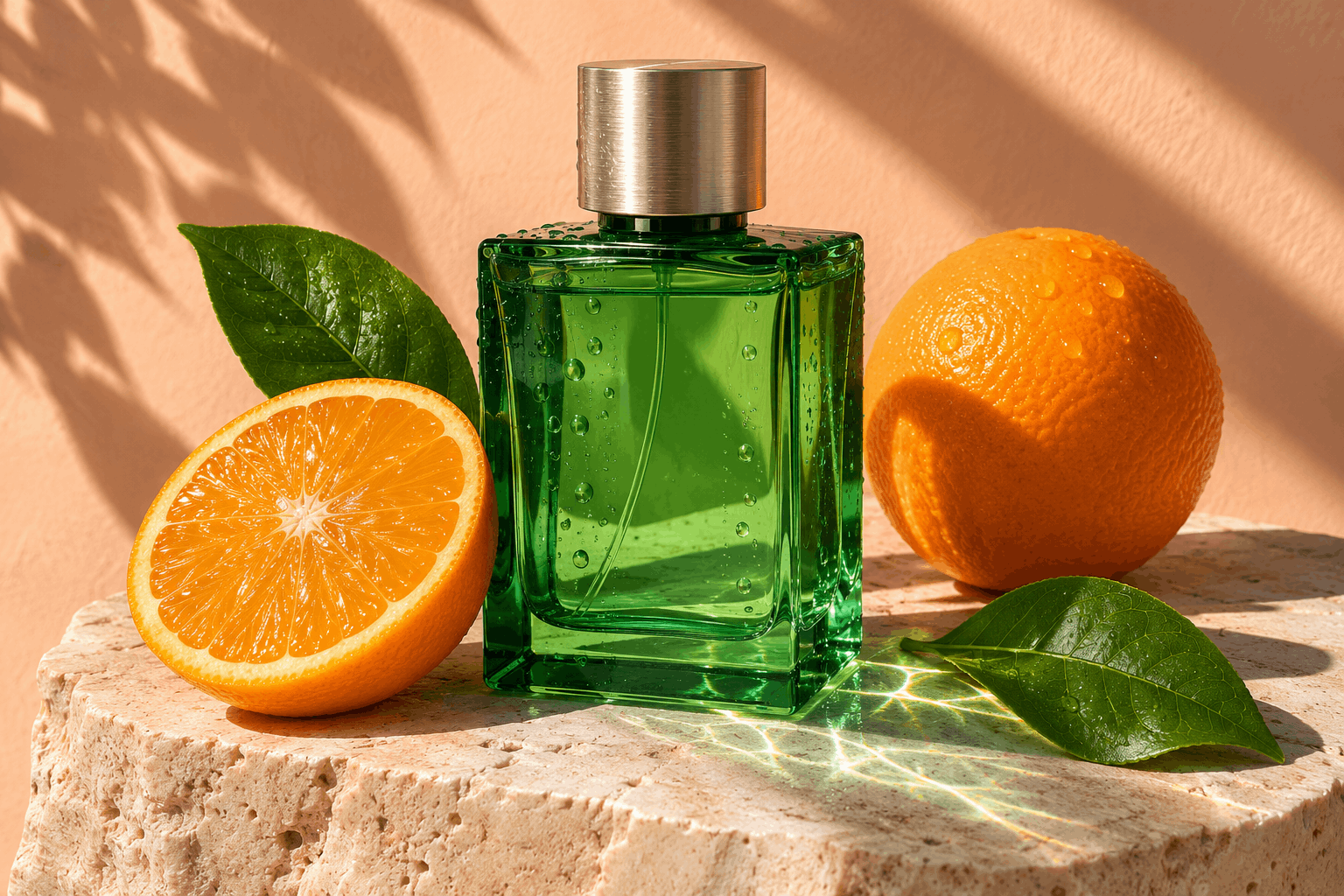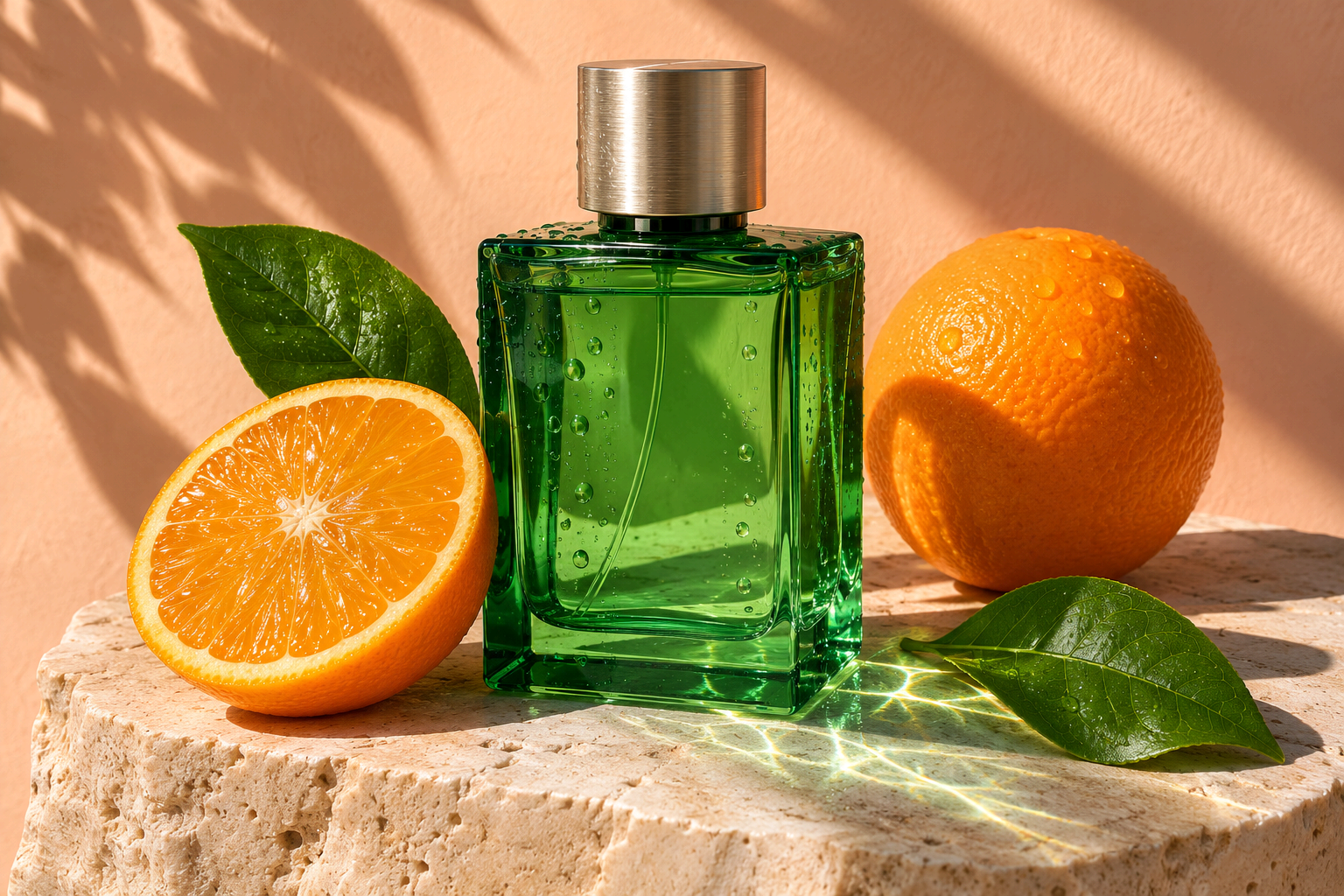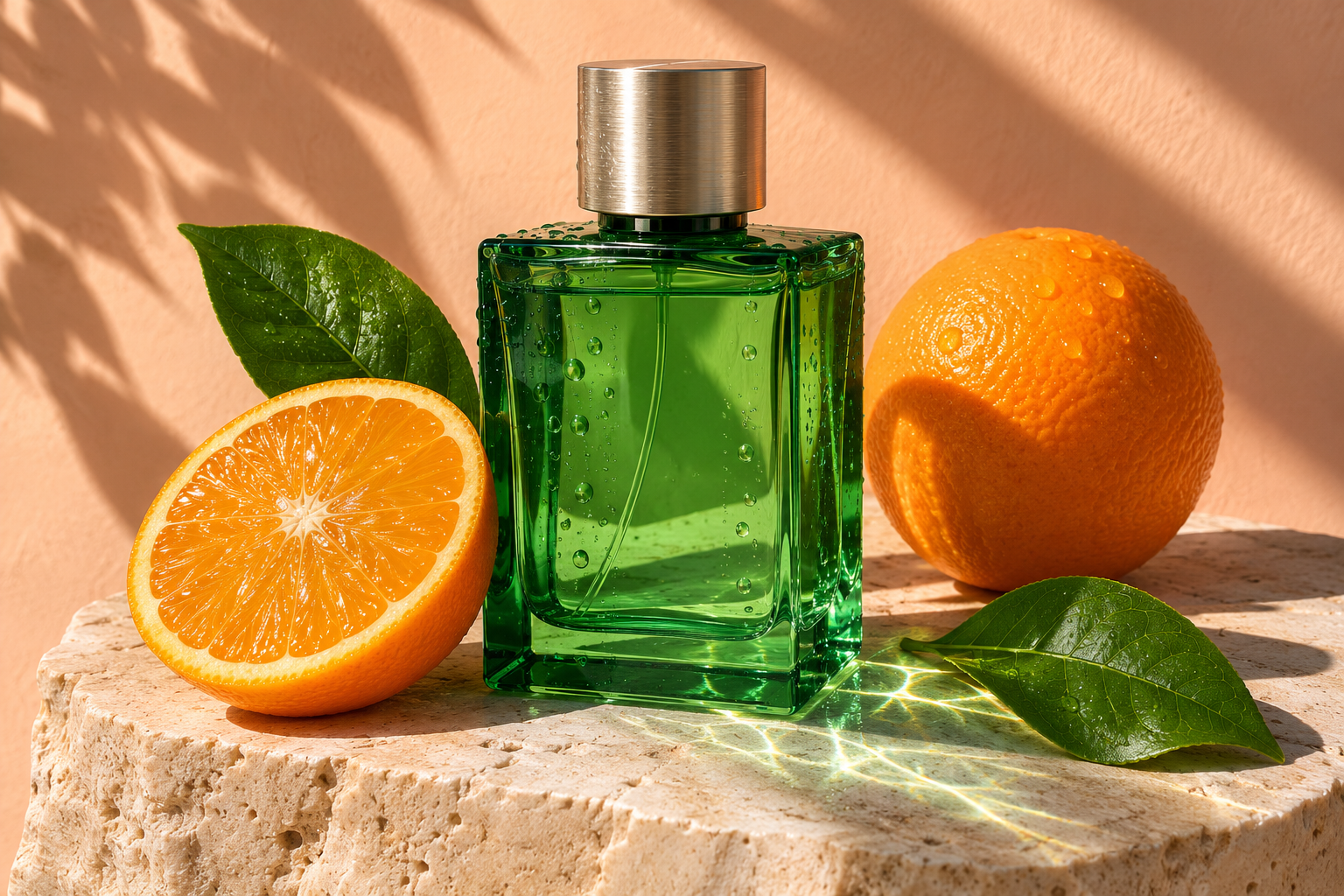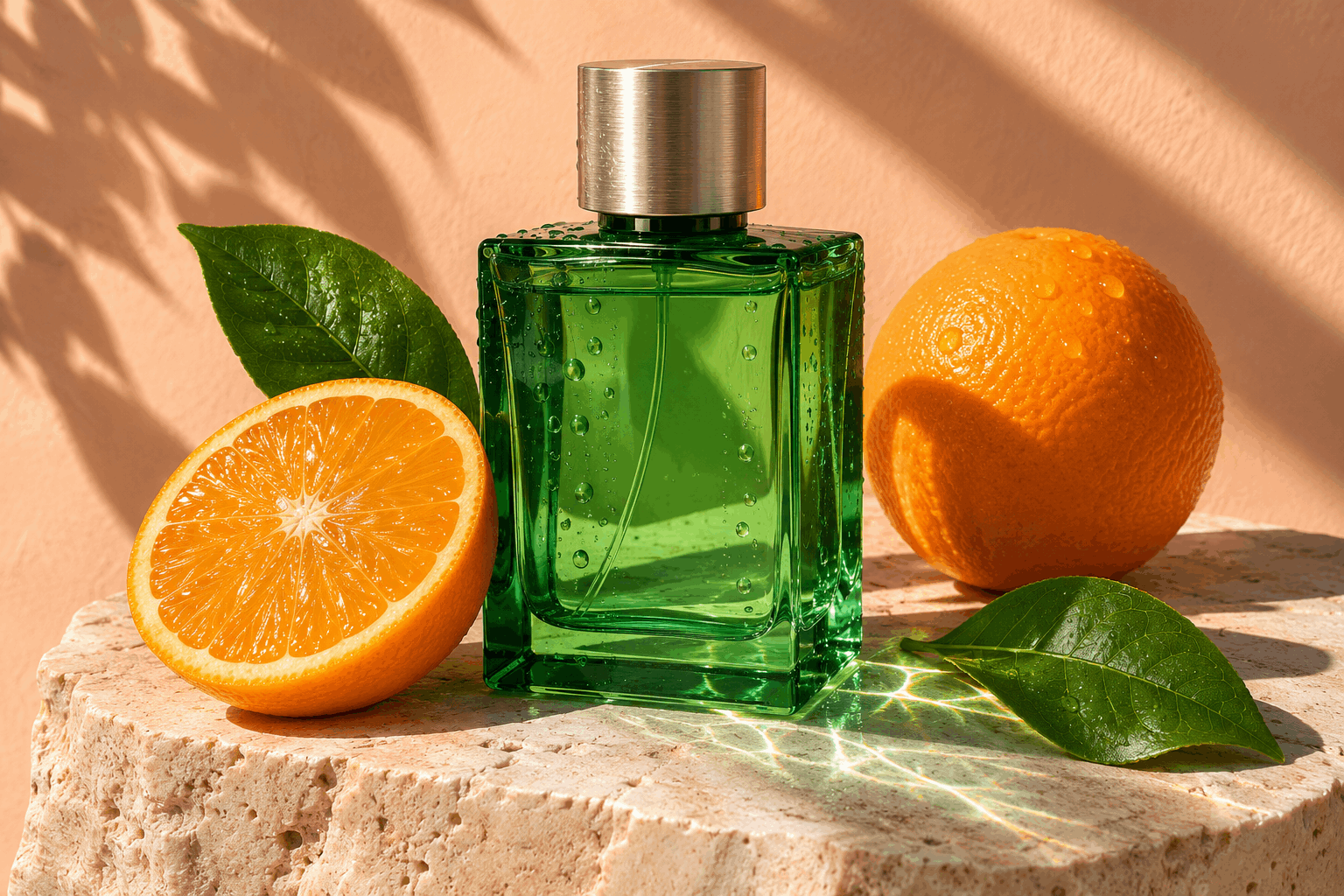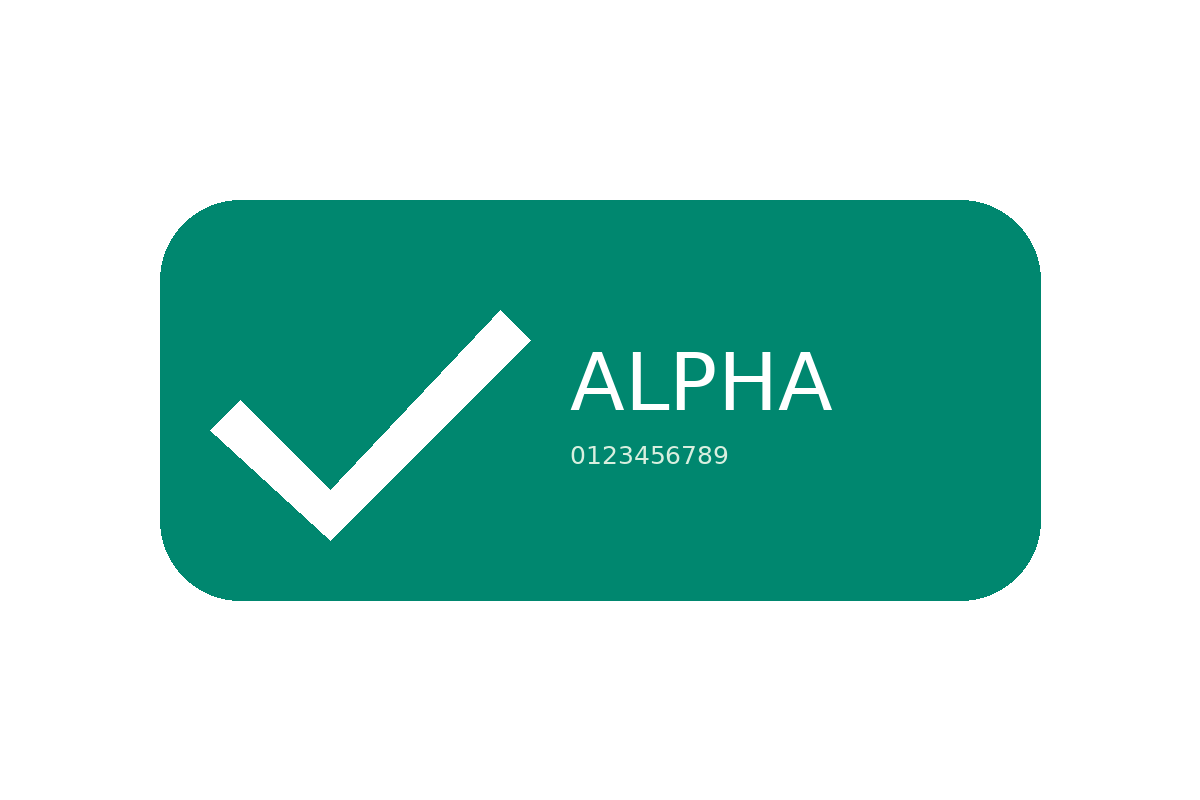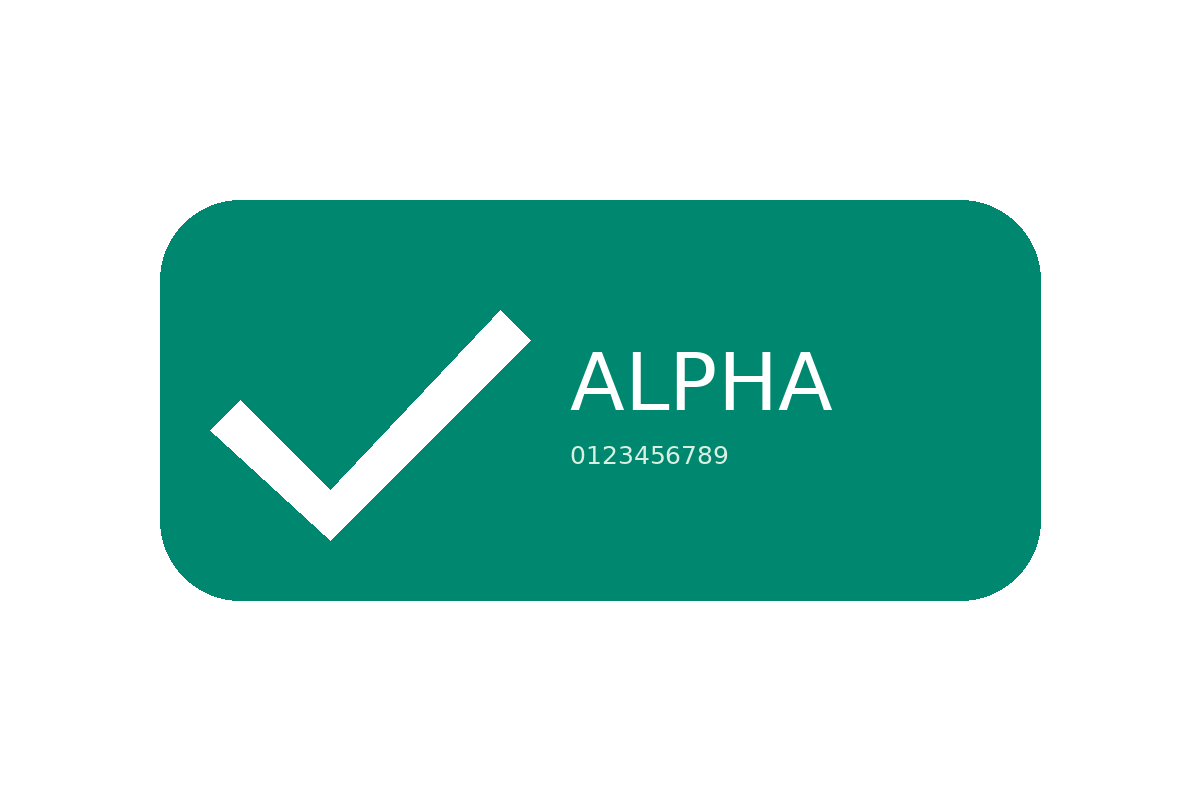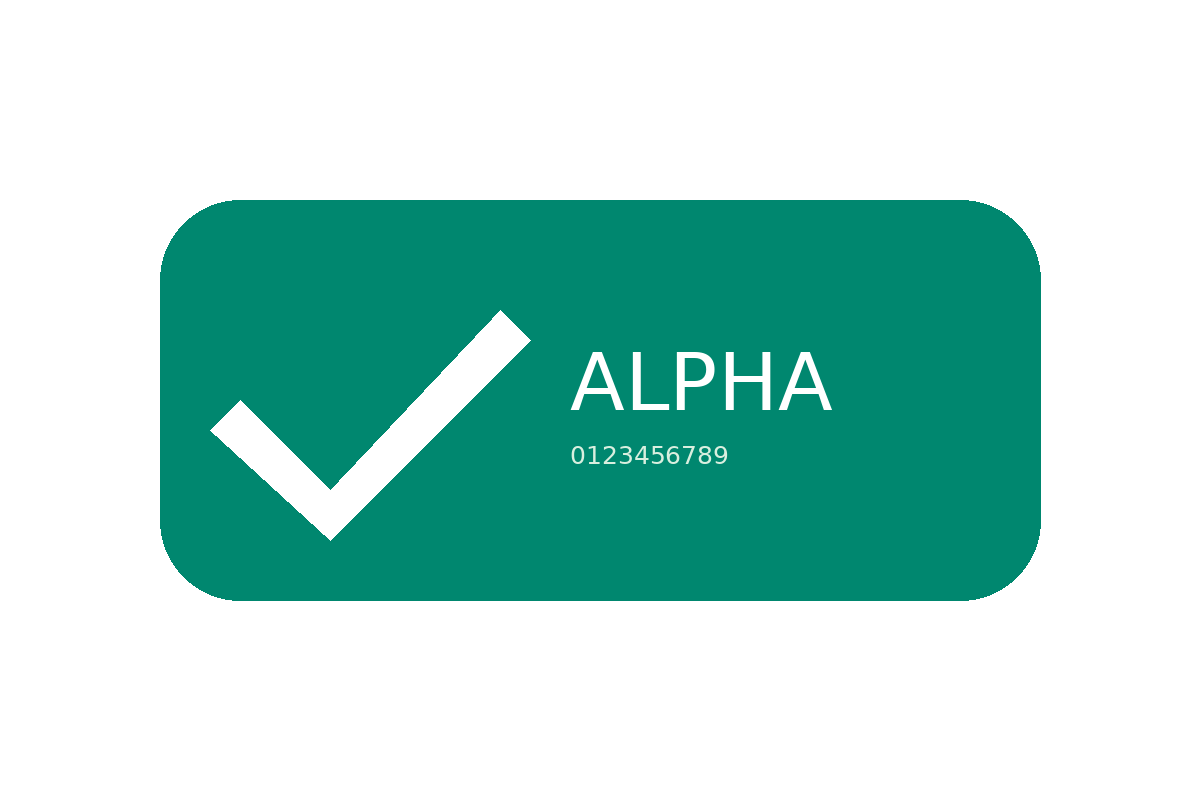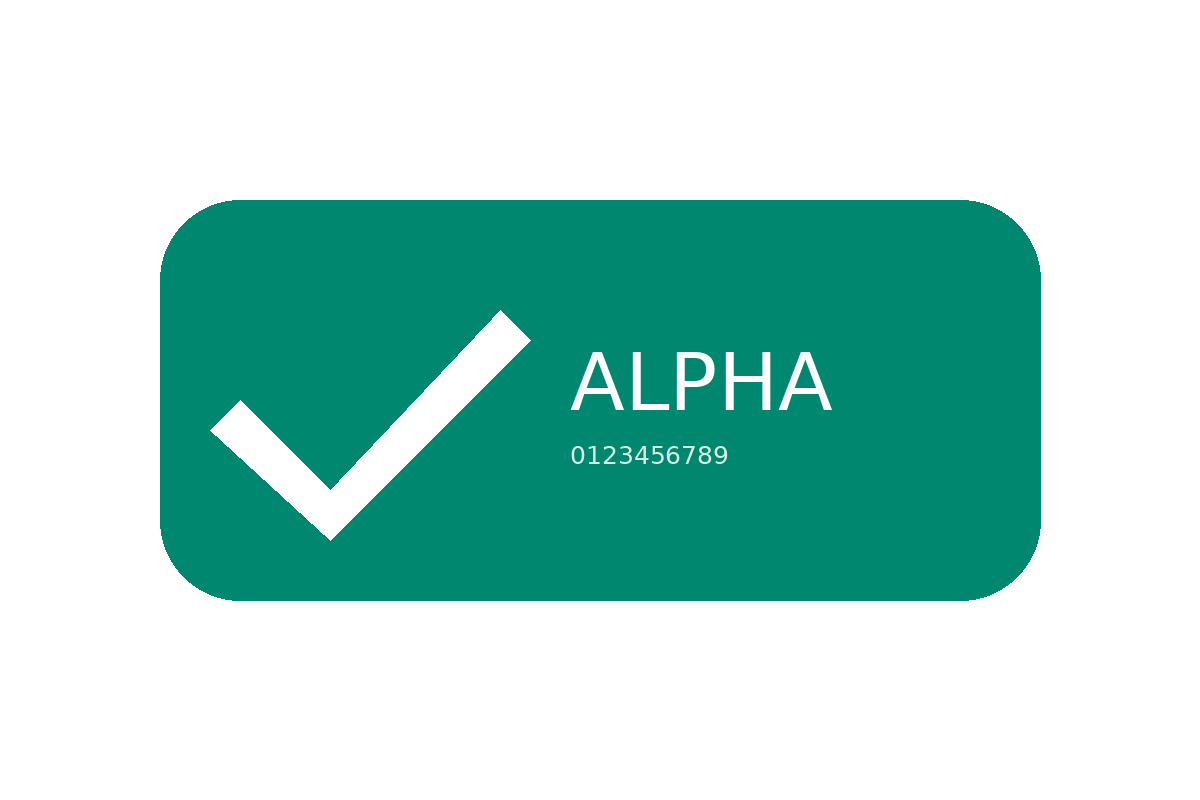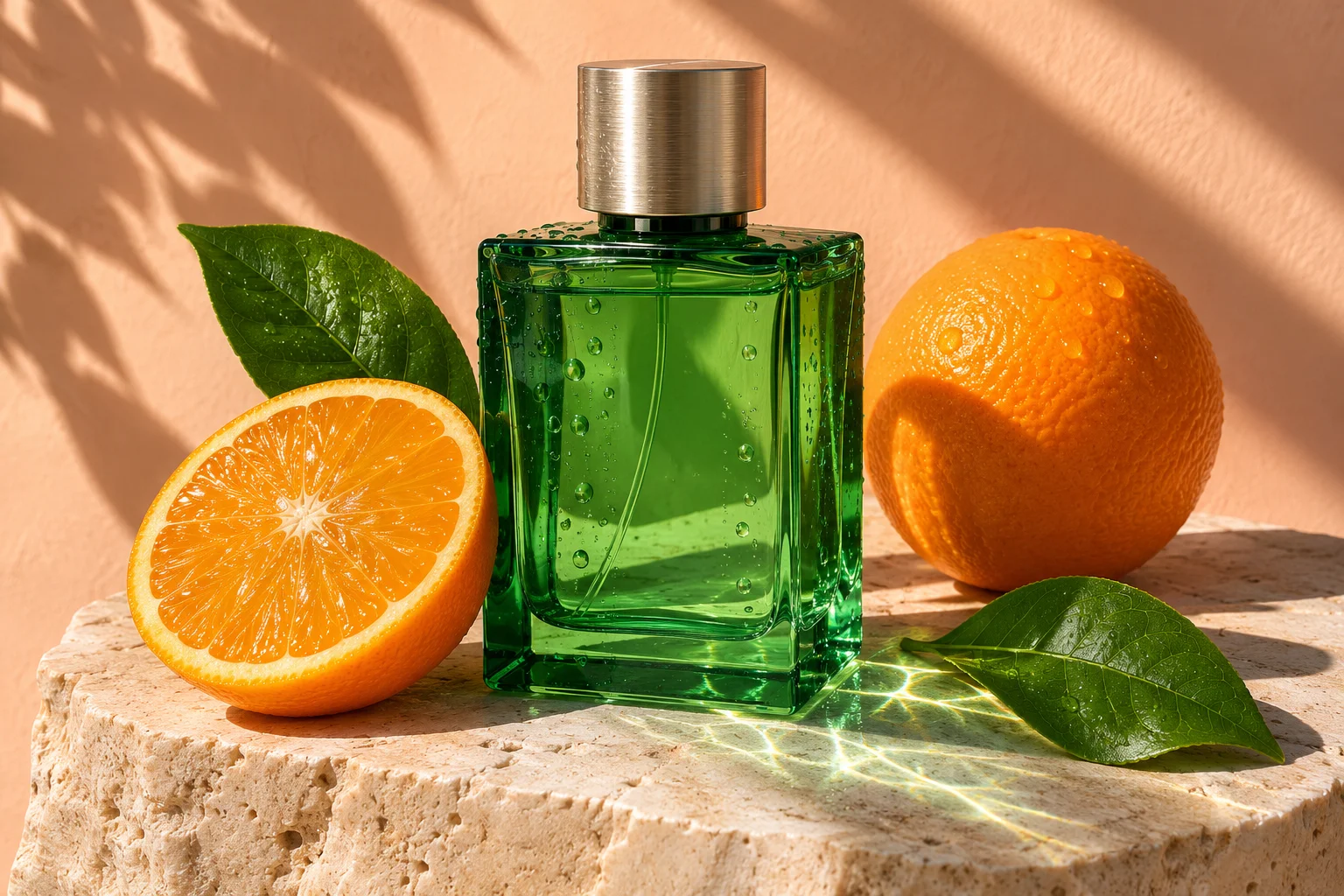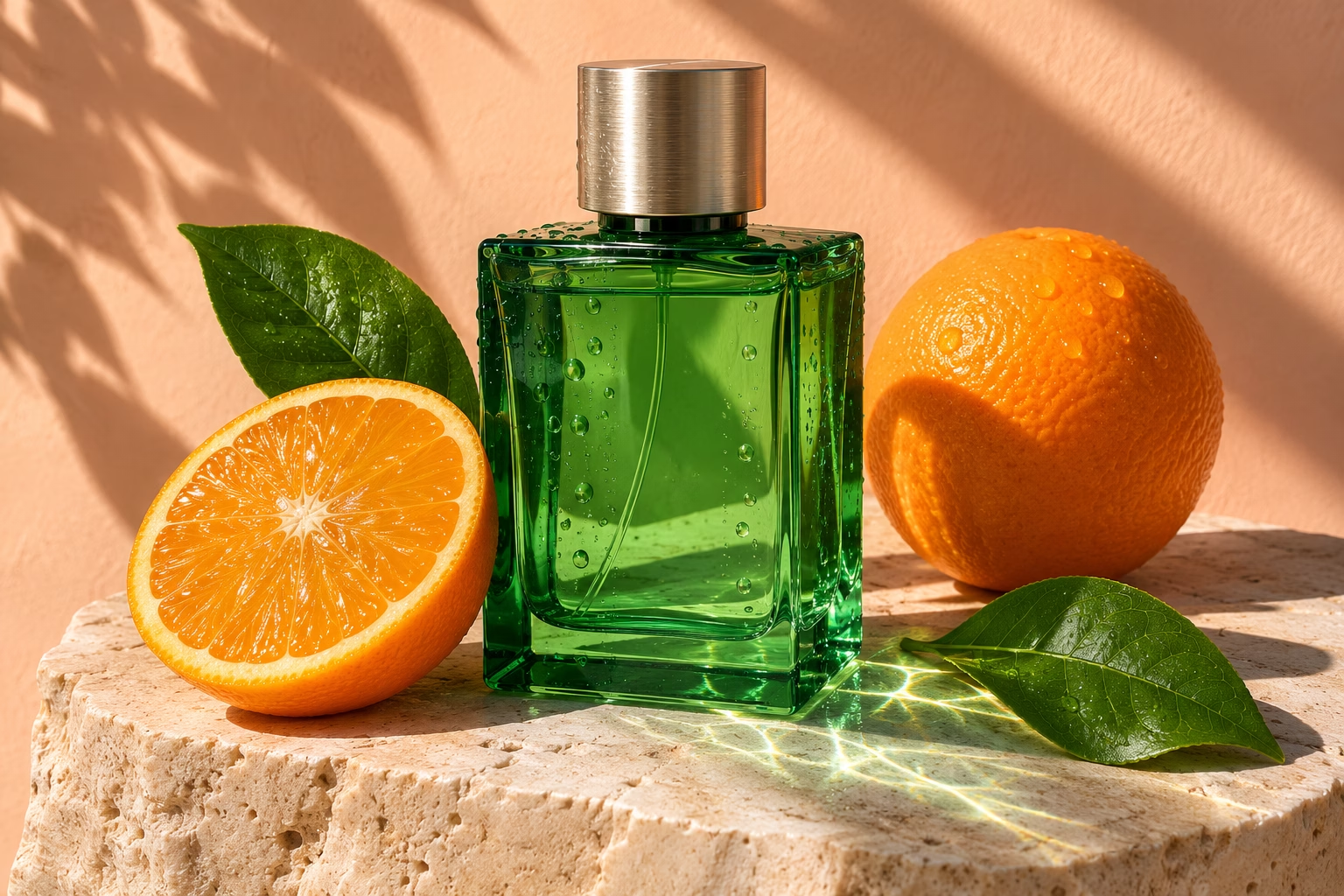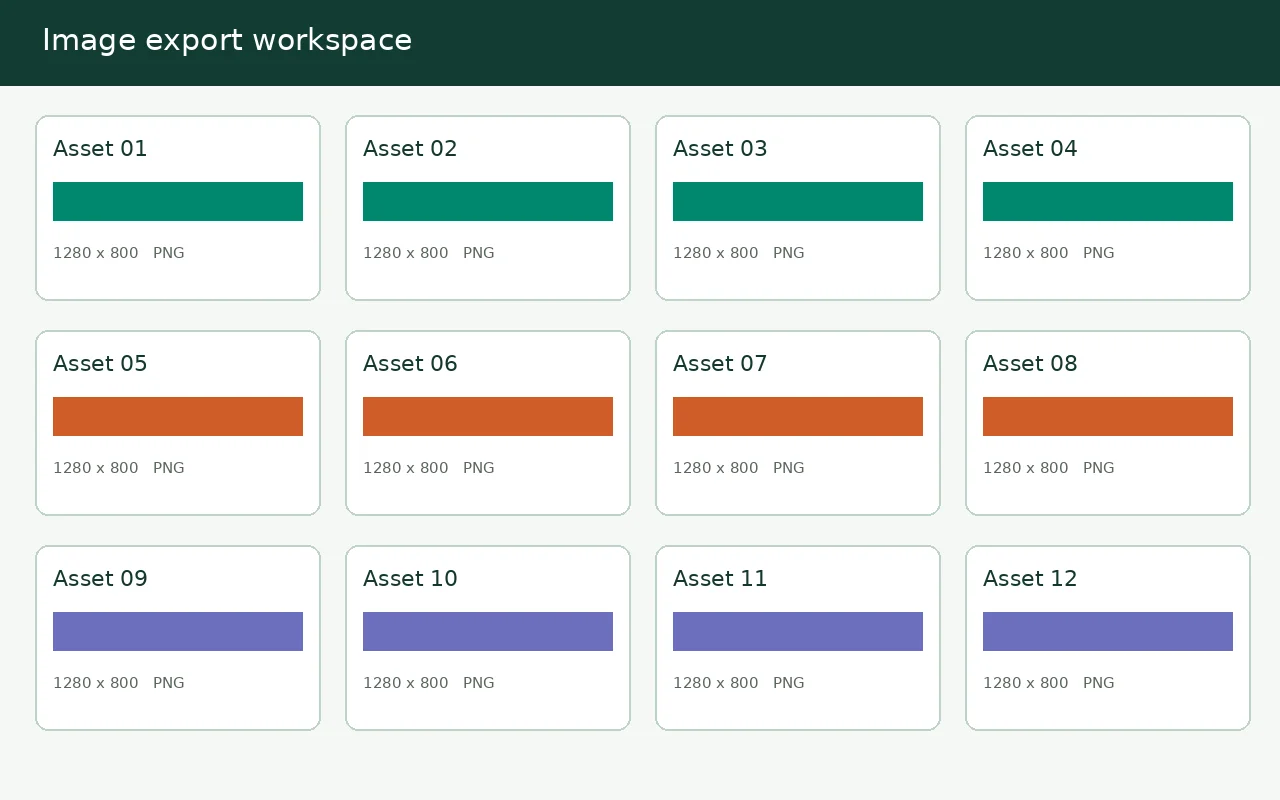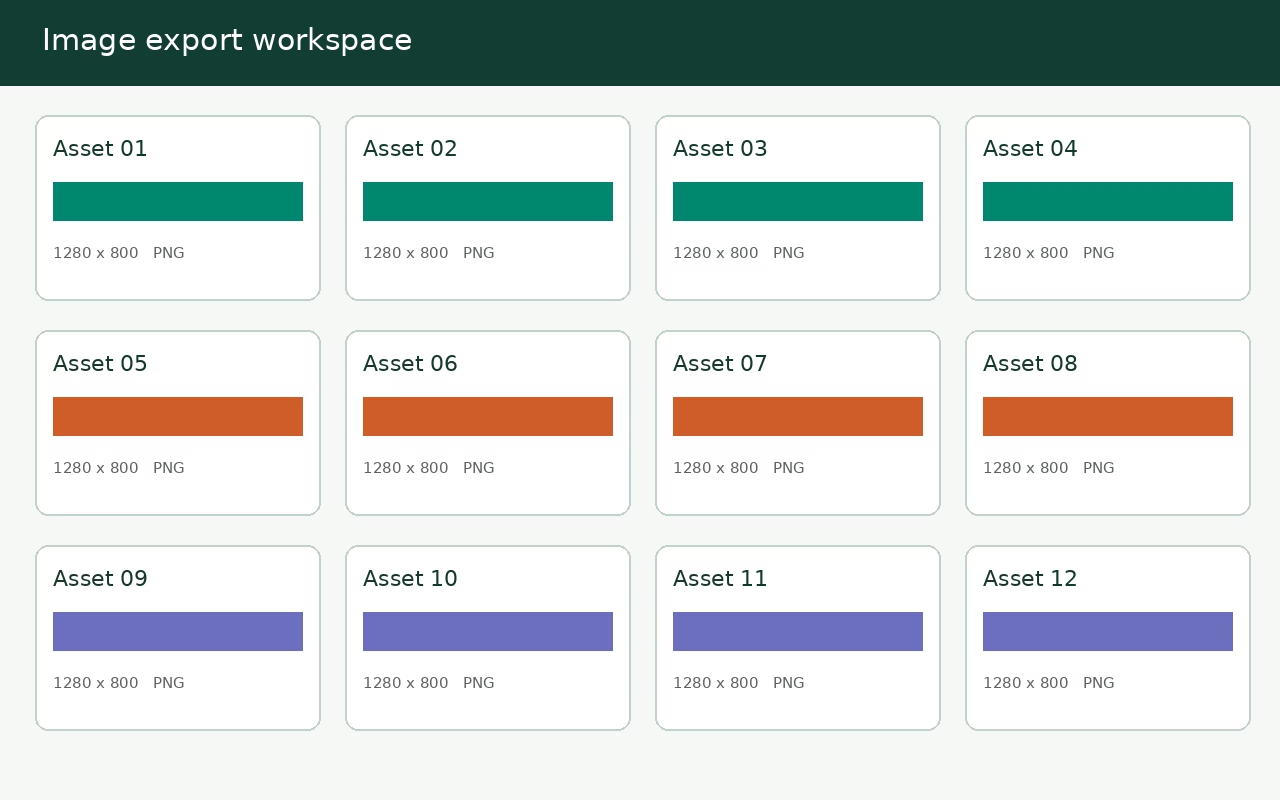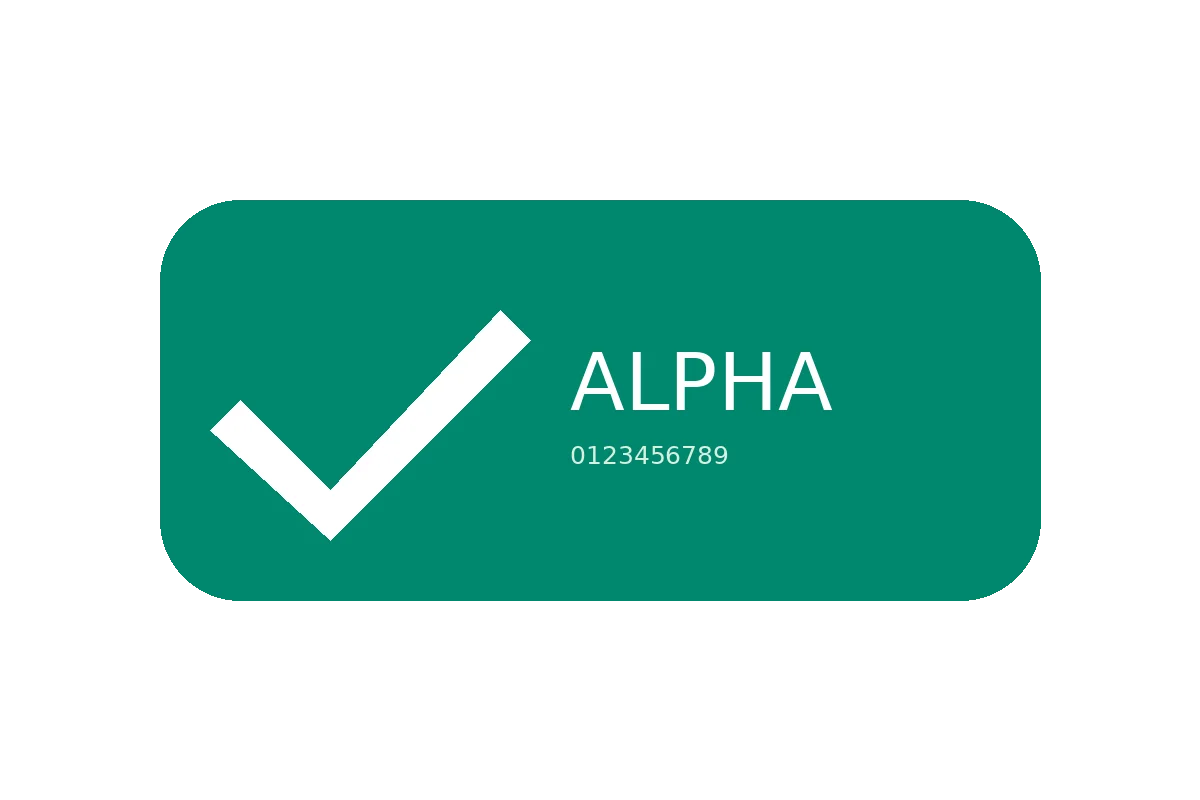
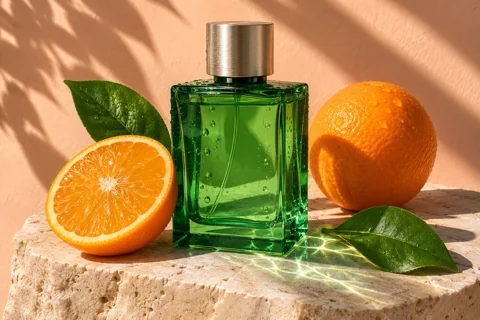
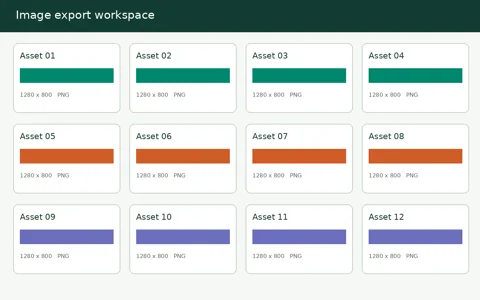
A product photo, an interface screenshot, a transparent mark and a smooth gradient give encoders different problems. We measured actual outputs from PikoZip worker functions, kept dimensions constant and published the source files so you can inspect the tradeoffs.
What was tested
Four non-private PNG fixtures were processed with Smart, Balanced, Lossless and Palette modes. We also encoded each source to WebP and AVIF at setting 85. No source was resized for these comparisons.
Read bytes and appearance together
A smaller export is not sufficient evidence of equal image quality. Inspect the files at the size you will use them. Lossless refers to the decoded RGBA comparison in this harness, not unchanged file bytes or archival metadata preservation.
Four images. Several useful answers.
Inspect each source and its output. These fixtures illustrate different tradeoffs; they are not a universal saving or visual-quality guarantee.

PNG mode results at unchanged dimensions
All values are exact bytes. A retained original is shown when a PNG export would have been larger. “Exact RGBA” checks decoded pixels in this harness; metadata and archival color handling are separate concerns.
| Source | Mode | Input bytes | Output bytes | Exact RGBA | Output |
|---|---|---|---|---|---|
| Product photo | Smart | 2,515,538 | 620,380 | No | PNG |
| Product photo | Balanced | 2,515,538 | 1,575,045 | No | PNG |
| Product photo | Lossless | 2,515,538 | 2,464,503 | Yes | PNG |
| Product photo | Palette | 2,515,538 | 636,603 | No | PNG |
| Interface screenshot | Smart | 3,073,860 | 10,869 | No | PNG |
| Interface screenshot | Balanced | 3,073,860 | 12,284 | No | PNG |
| Interface screenshot | Lossless | 3,073,860 | 23,462 | Yes | PNG |
| Interface screenshot | Palette | 3,073,860 | 12,611 | No | PNG |
| Transparent mark | Smart | 14,799 | 5,551 | No | PNG |
| Transparent mark | Balanced | 14,799 | 5,807 | No | PNG |
| Transparent mark | Lossless | 14,799 | 12,842 | Yes | PNG |
| Transparent mark | Palette | 14,799 | 5,747 | No | PNG |
| Smooth gradientOriginal retained | Smart | 6,861 | 6,861 | Yes | PNG |
| Smooth gradientOriginal retained | Balanced | 6,861 | 6,861 | Yes | PNG |
| Smooth gradientOriginal retained | Lossless | 6,861 | 6,861 | Yes | PNG |
| Smooth gradientOriginal retained | Palette | 6,861 | 6,861 | Yes | PNG |
WebP and AVIF: compare the actual output
The same source pixels and dimensions were encoded at setting 85 in both codecs. That number is not equal visual quality across formats. Download the images and review text, gradients and edges. Timing is the median of three pipeline runs on a shared Linux Node runner; phones and browsers can differ substantially.
| Source | Format | Output bytes | Median pipeline time | Output |
|---|---|---|---|---|
| Product photo | WEBP | 271,130 | 500 ms | WEBP |
| Product photo | AVIF | 339,356 | 1,546 ms | AVIF |
| Interface screenshot | WEBP | 30,164 | 165 ms | WEBP |
| Interface screenshot | AVIF | 8,875 | 2,029 ms | AVIF |
| Transparent mark | WEBP | 9,776 | 133 ms | WEBP |
| Transparent mark | AVIF | 7,403 | 288 ms | AVIF |
| Smooth gradient | WEBP | 11,916 | 244 ms | WEBP |
| Smooth gradient | AVIF | 5,488 | 641 ms | AVIF |
How to interpret these results
We used actual PikoZip worker functions and pinned WebAssembly codecs in a Node harness, with UPNG-decoded RGBA and unchanged dimensions. The browser’s decode/color pipeline can differ. PNG Lossless outputs matched the reference decoded pixels. This is an engineering check, not proof of perceptual equivalence, and is not a TinyPNG comparison.
One original was already compact: all four PNG modes kept the 6,861-byte gradient source. The uncompressed screenshot has unusually large room for reduction, so its saving must not be presented as typical of all screenshots.
Download full measurements and SHA-256 source hashes · Download originals and results ZIP (11.2 MiB)
Reproduce with node scripts/publish-compression-evidence.mjs in the matching source checkout. The measurements were recorded on 11 November 2026; exact timings can vary between runs.
Further reading: Google’s image performance guide and the WebP format documentation.
Put the guide into practice.
Start with one representative image, inspect the result, then prepare the rest of the batch.
Open the compressor